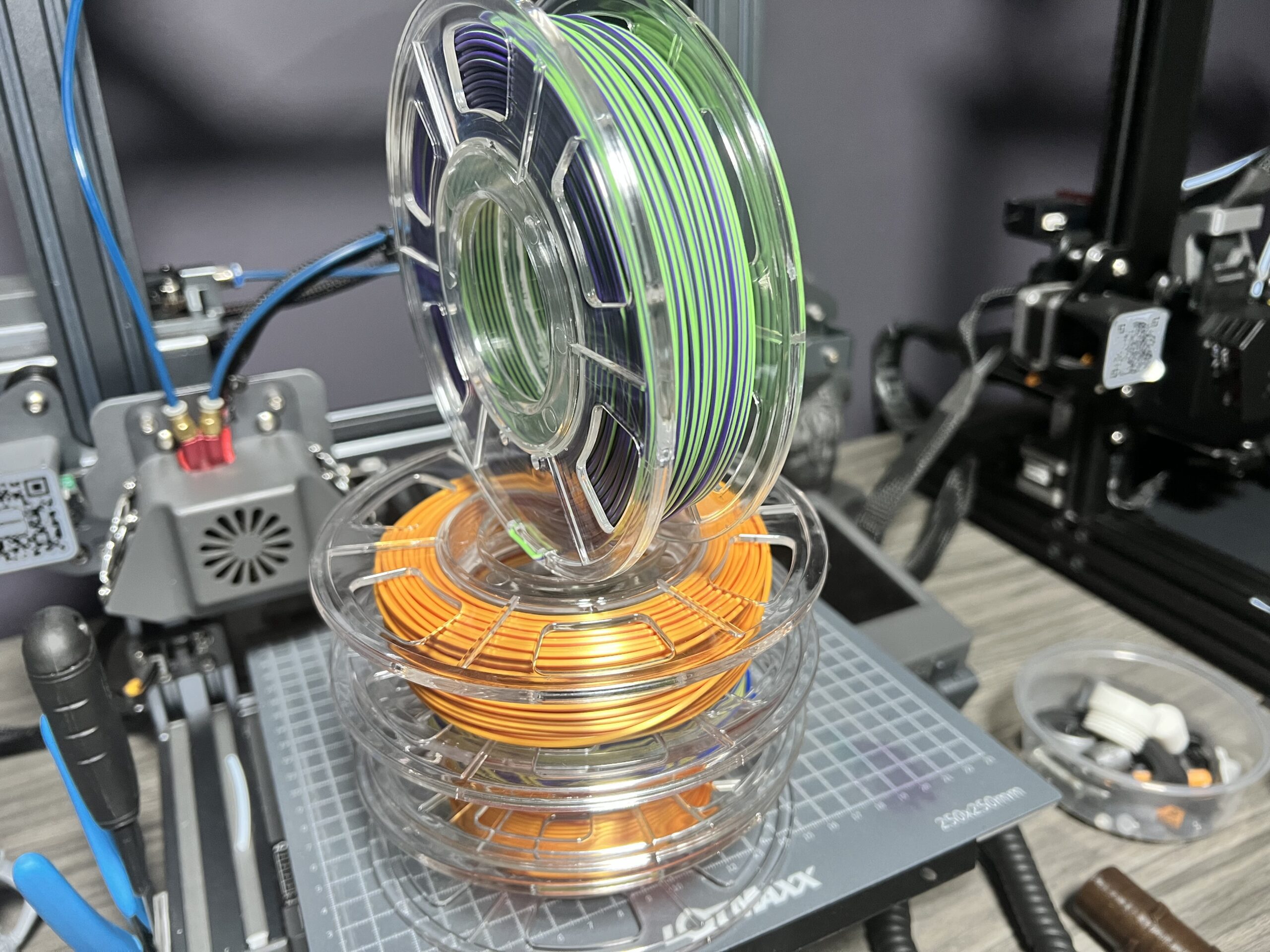
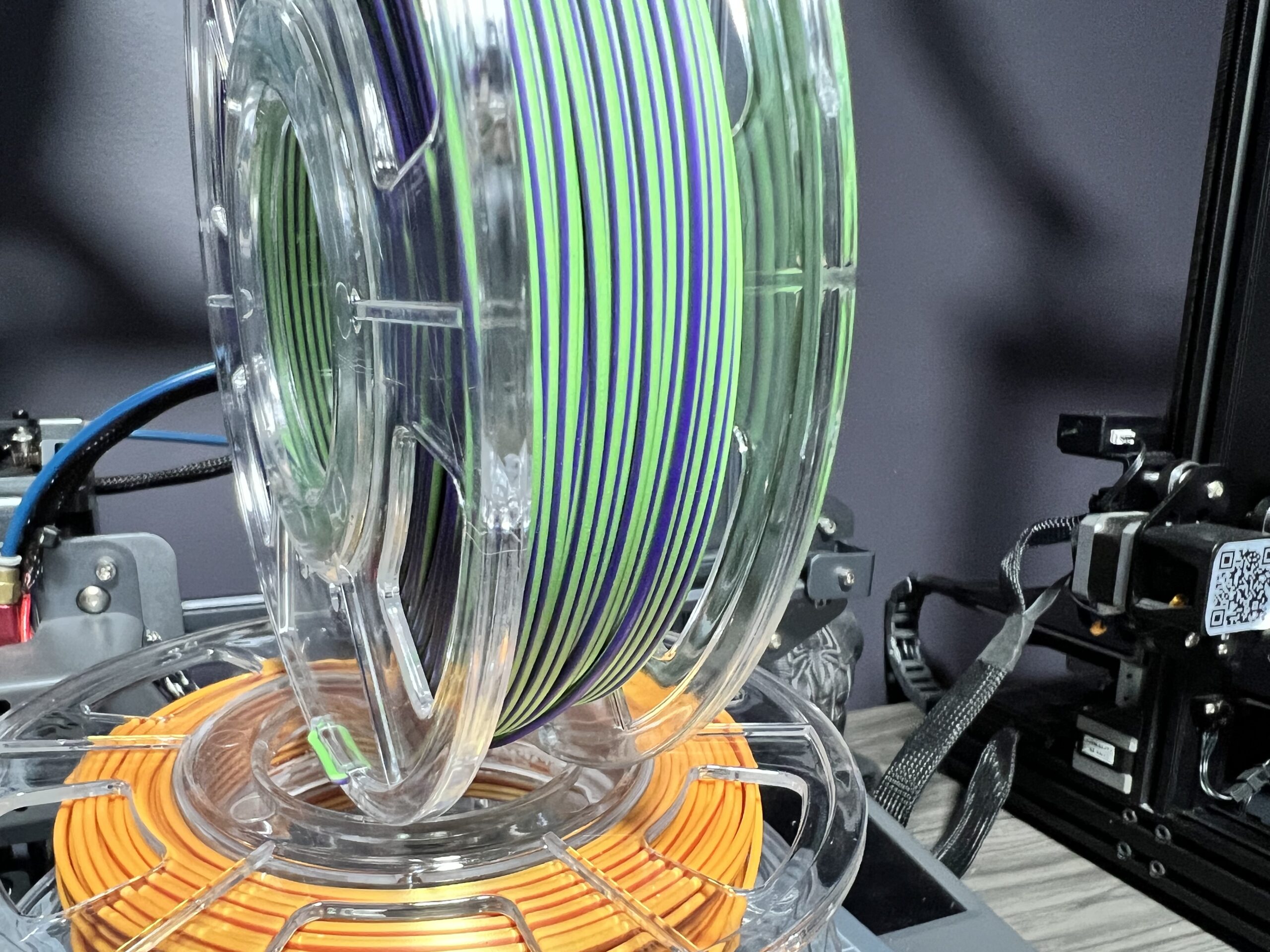
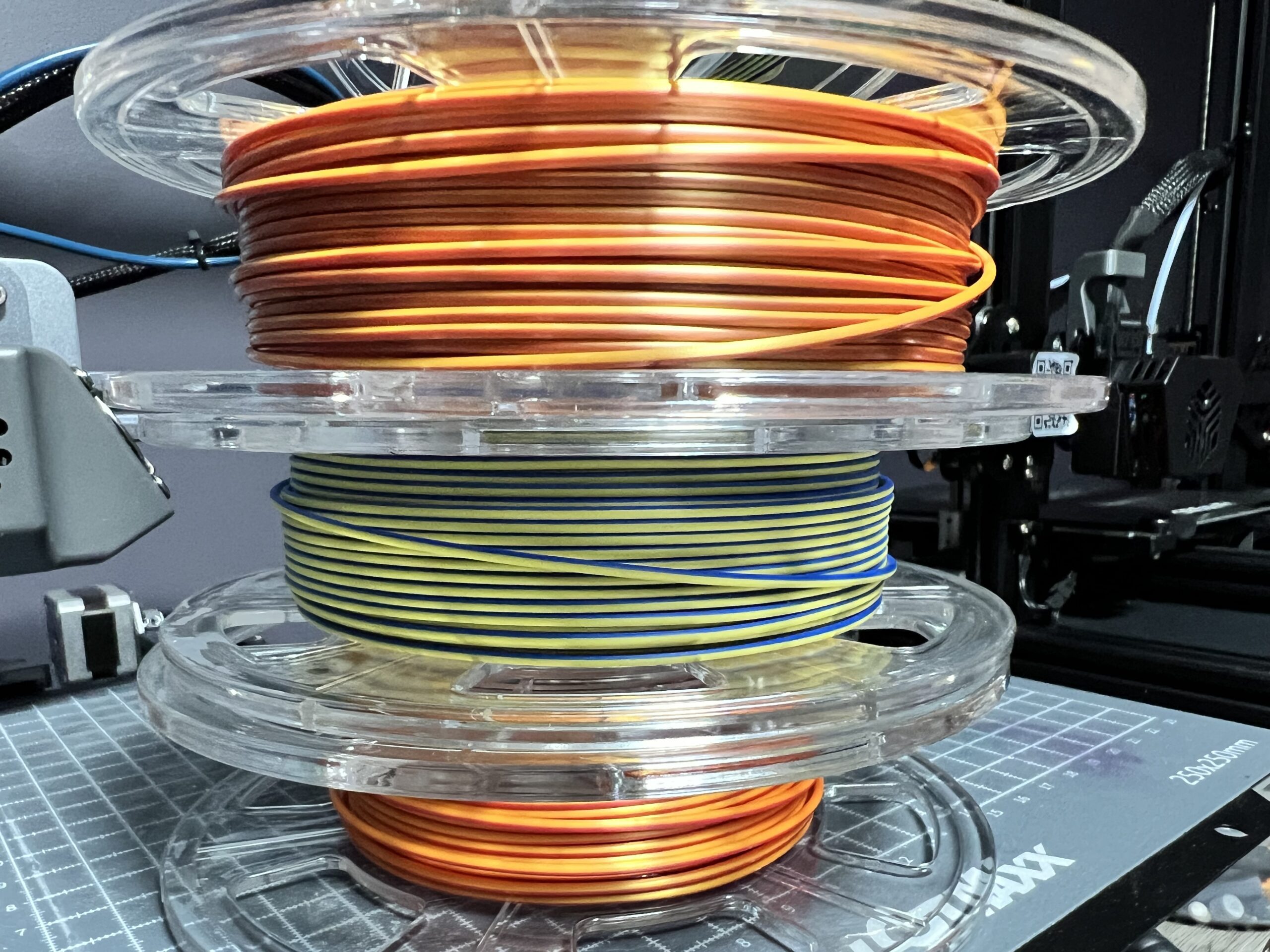
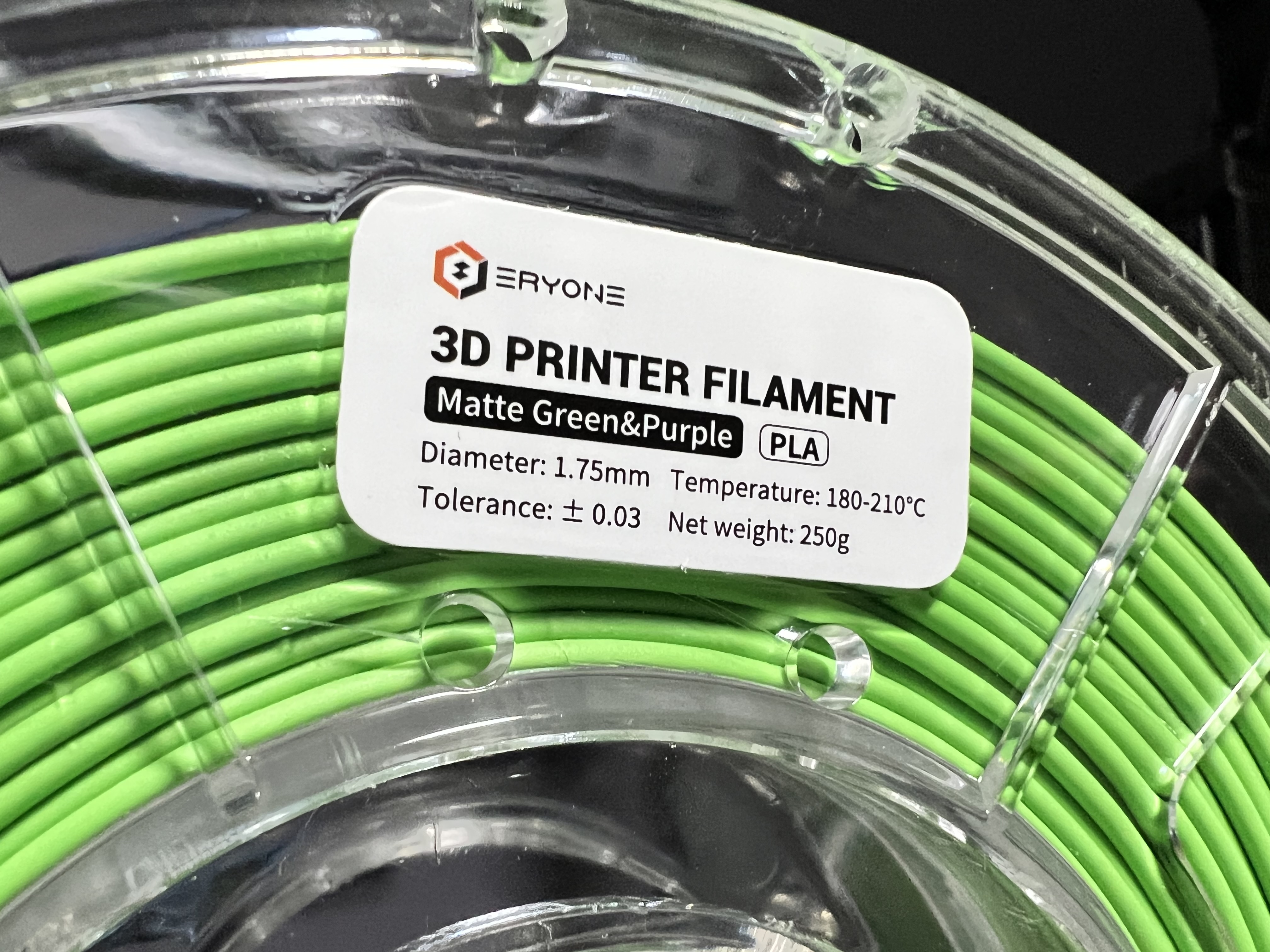
Eryone’s dichromatic filament is one of those “looks fake in photos until you print it” materials. It shows two colors at the same time depending on viewing angle and surface geometry, making it perfect for display prints, props, accents, and anything with strong curves.
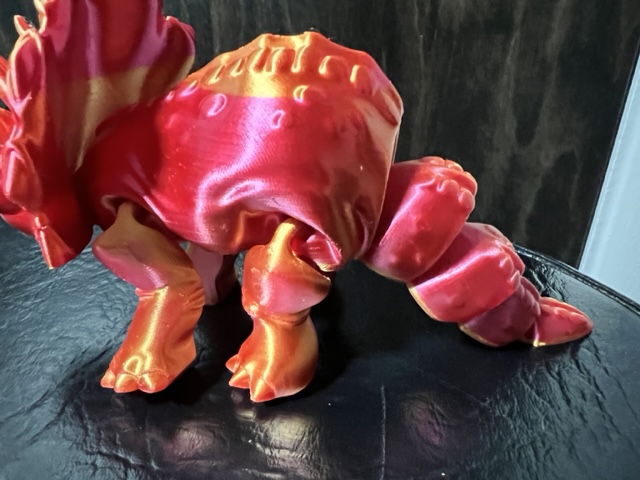
What “dichromatic” means in real life
The color shift isn’t a gimmick — it’s built into the material. You’ll see the strongest effect on curved surfaces, bevels, and edges. Flat faces still look good, but the “two colors at once” effect really comes alive on rounded geometry.
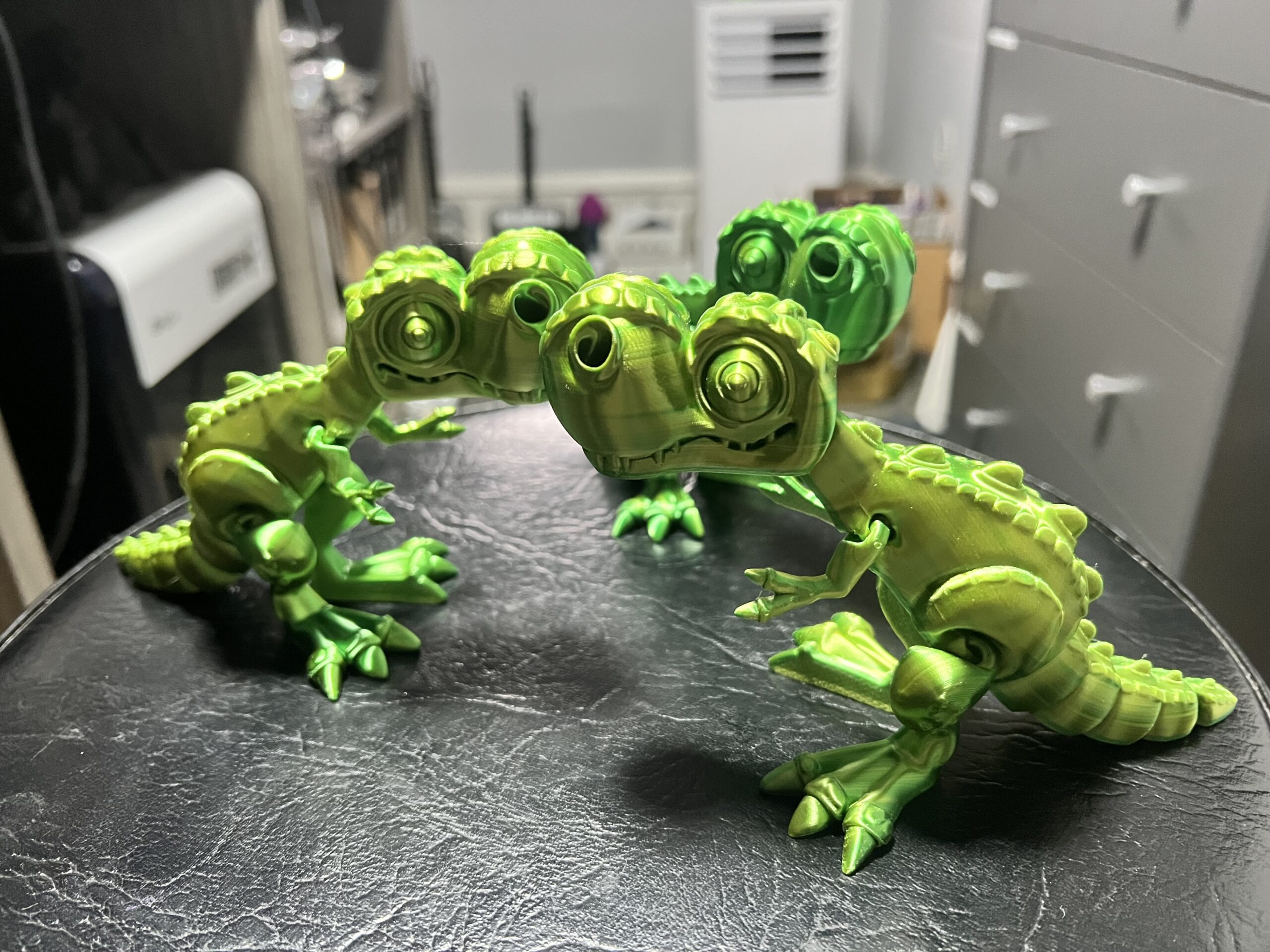
Print notes and quick tips
- Orient for the effect: angle your model so visible surfaces catch light across curves.
- Layer lines can help: the sheen makes texture look intentional.
- Lighting matters: best under directional light (desk lamp, window light).
- Test with curves: cubes won’t show much — try organic or rounded models.
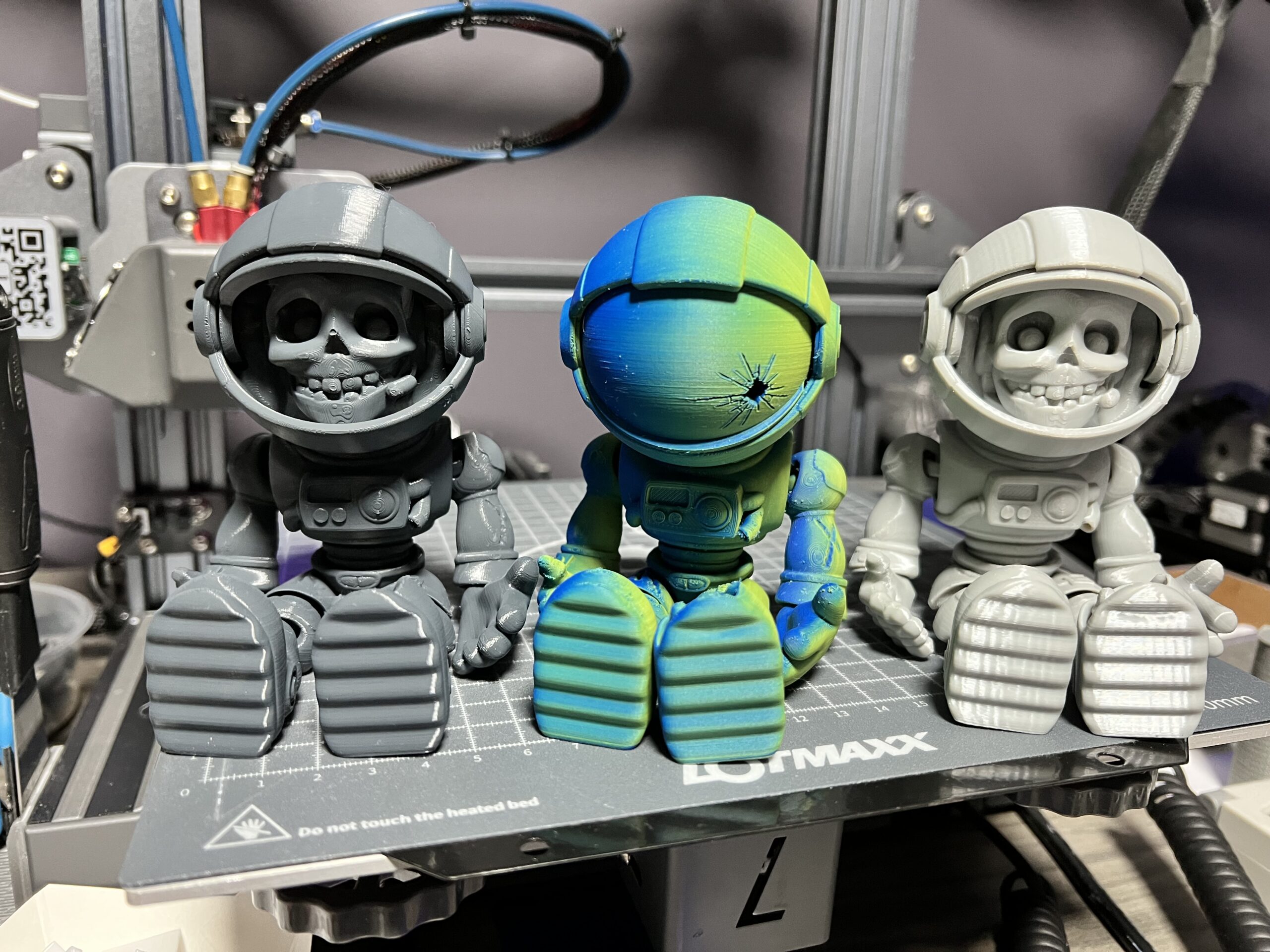
More examples
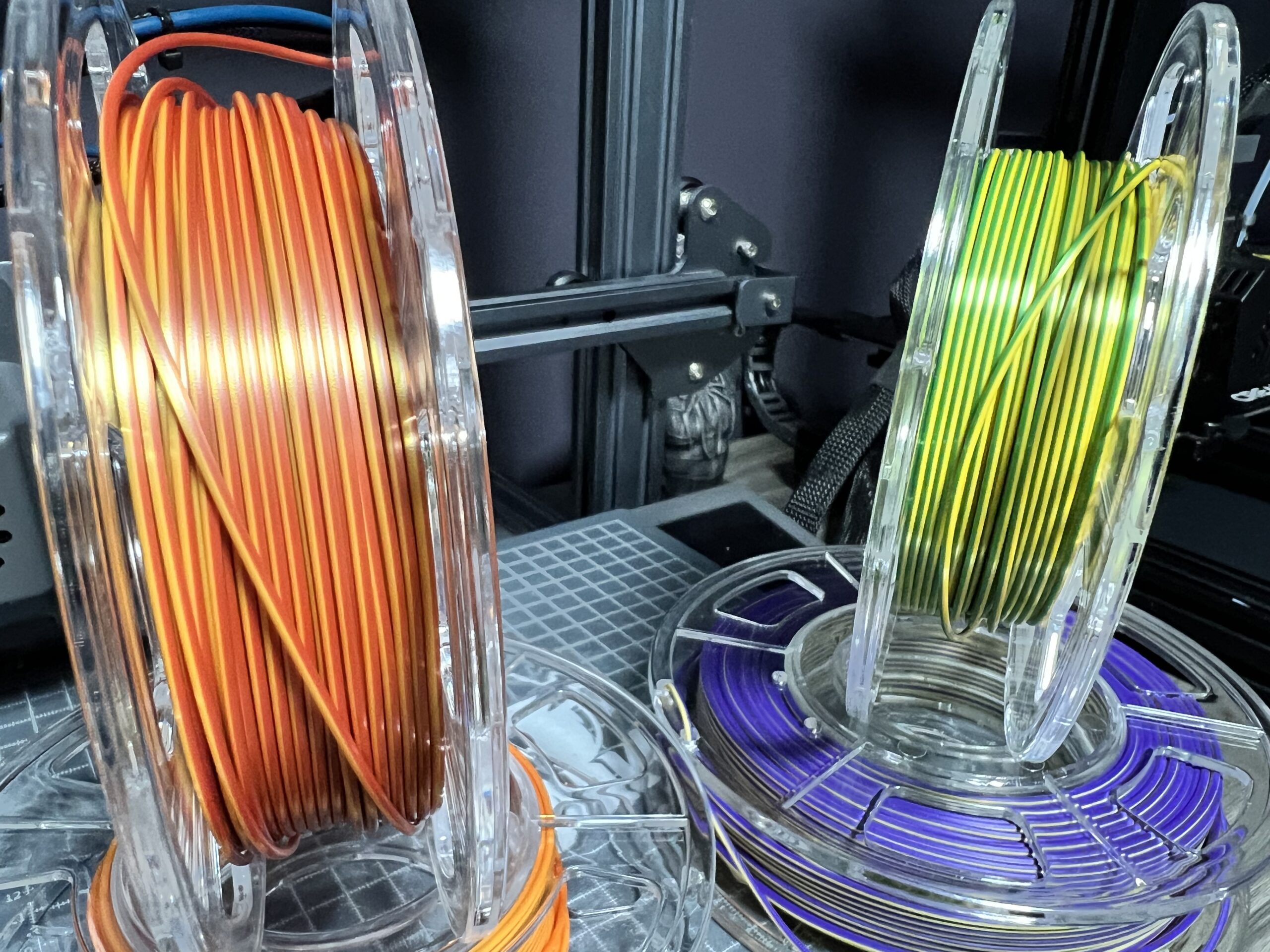
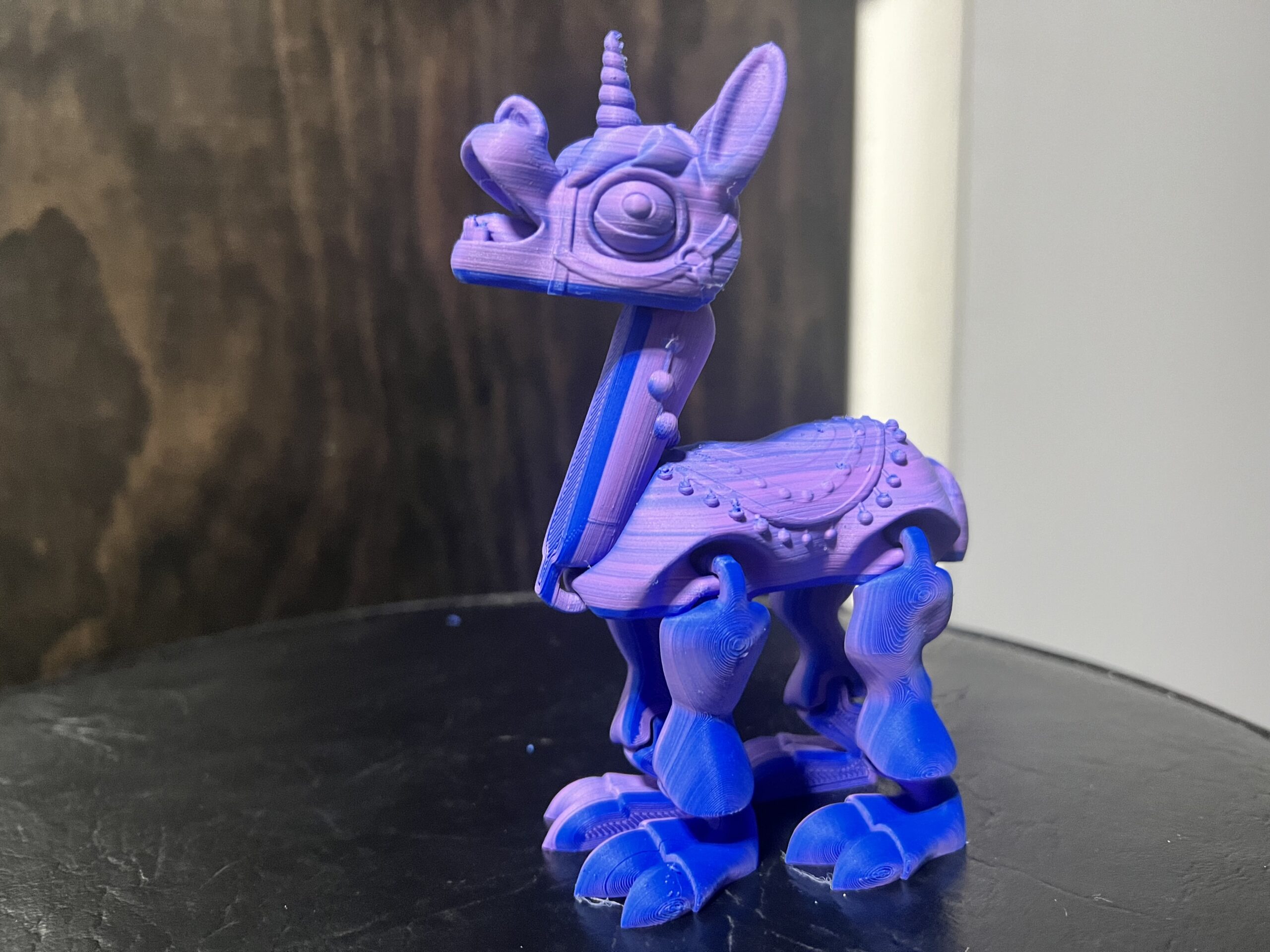
These photos show how dramatically the color shifts depending on angle and lighting.
Bonus: short video
Tip: The color shift is easiest to see while moving — this filament really shines under changing light.
